
Pulse PRO Hub
The Pulse PRO hub connects Automate motors to Wi-Fi, enabling reliable multi-room control, automation, and smart home integration.
Resources
Pulse PRO Set Up Guide
Pulse PRO Control4 Set Up Guide
Pulse PRO Crestron Home Set Up Guide
Pulse PRO Elan Set Up Guide
Pulse PRO HomeSeer Set Up Guide
Pulse PRO RTI Set Up Guide
Pulse PRO Savant Set Up Guide
Pulse PRO URC Set Up Guide
Matter Certification
Video Support
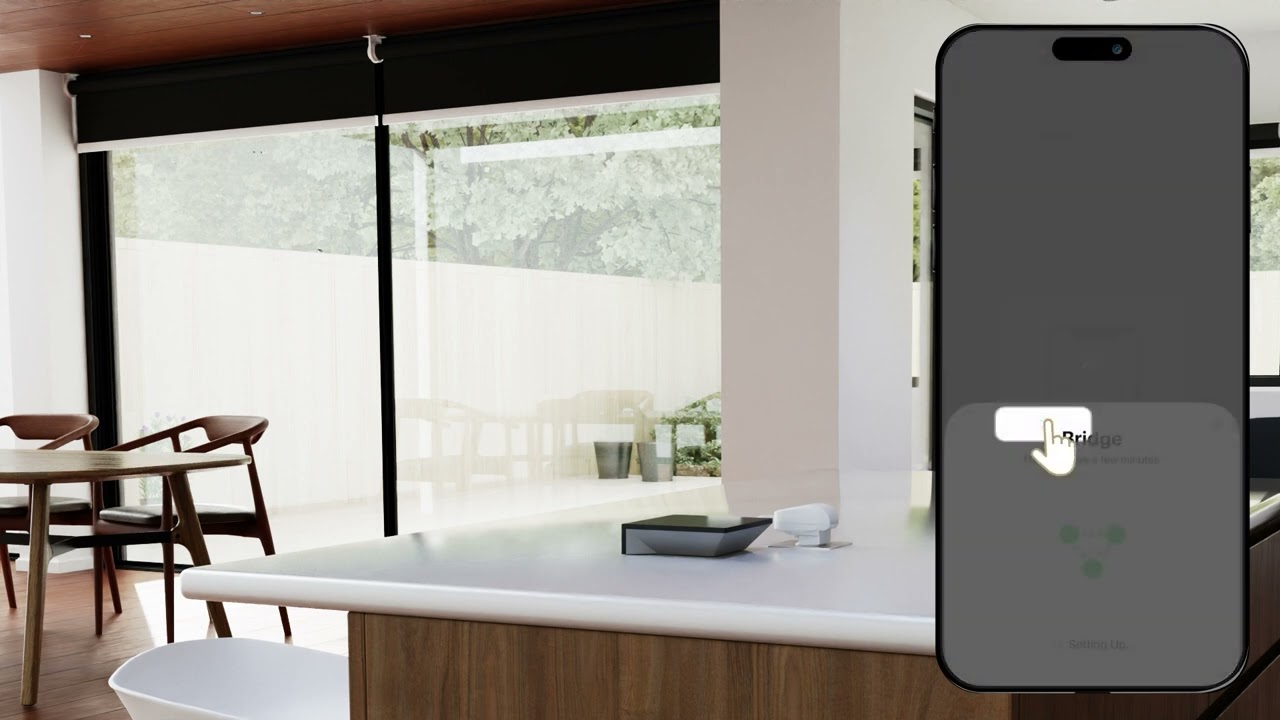
Automate Pulse PRO | Connecting to Matter from the Automate App

Automate Pulse PRO | Creating Scenes & Timers | Instructional Video
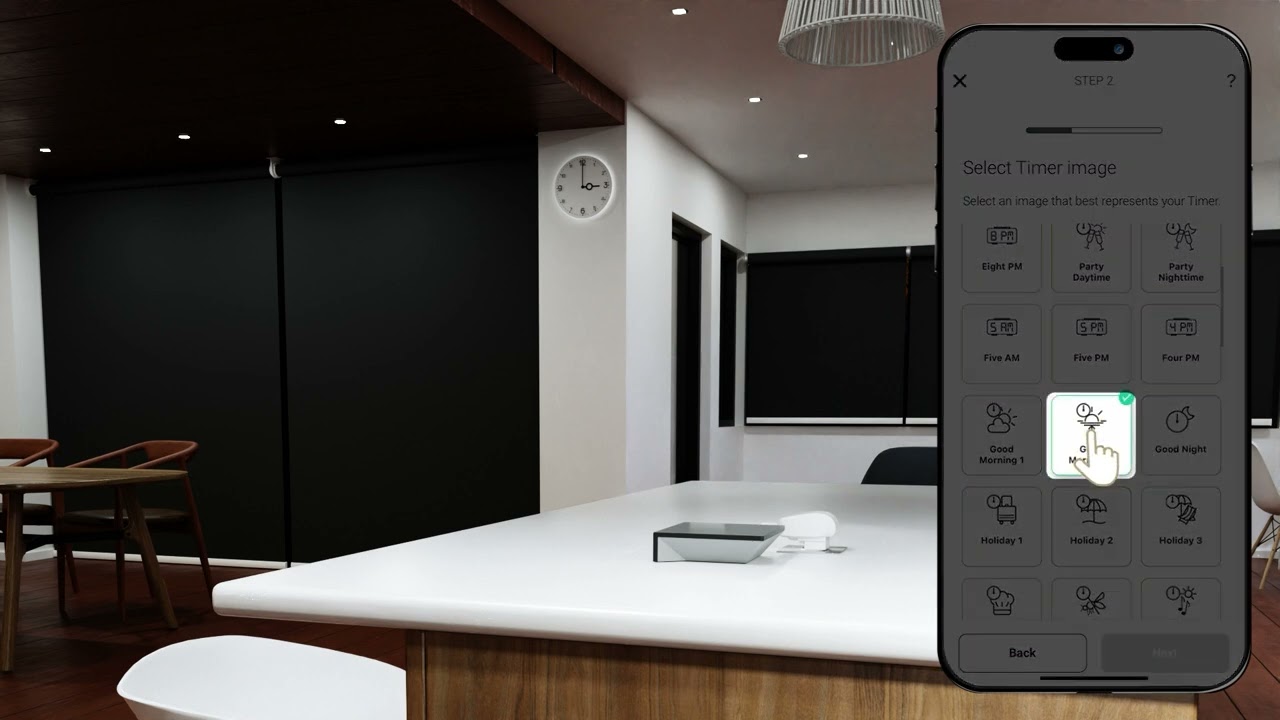
Automate Pulse PRO | Create Sunrise and Sunset Timers | Instructional Video
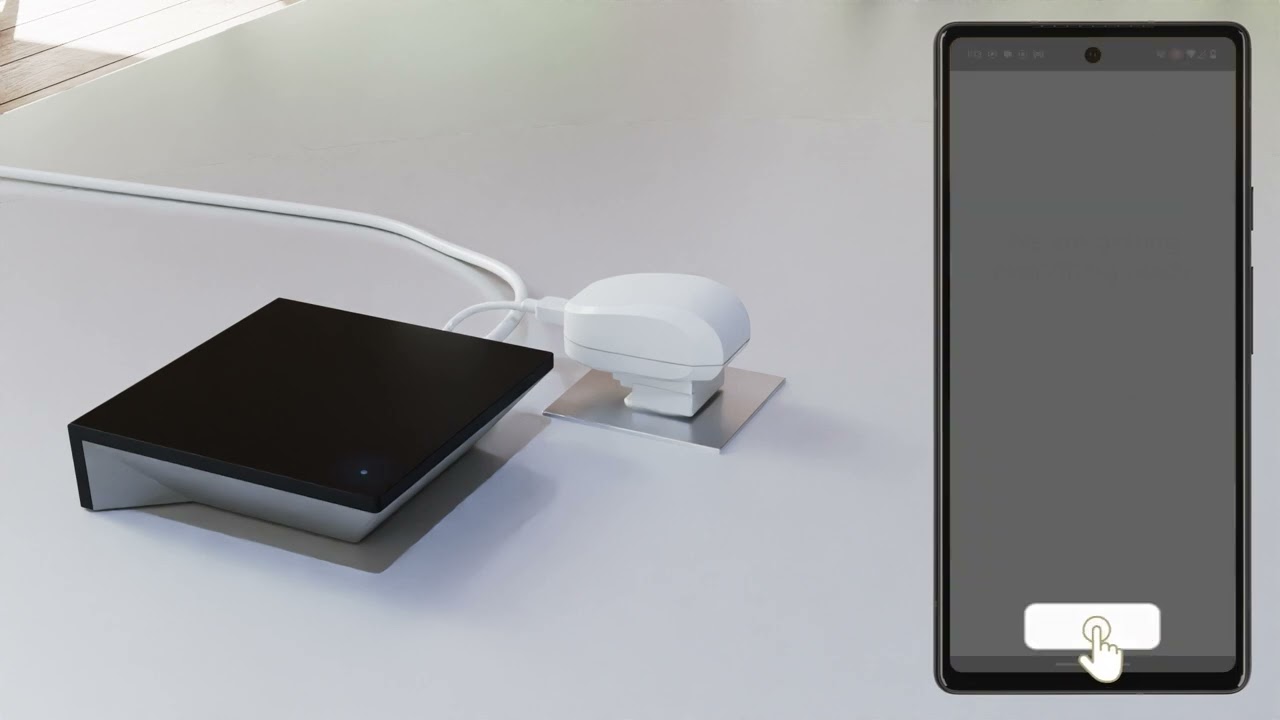
Automate Pulse PRO | Ethernet Pairing Android | Instructional Video
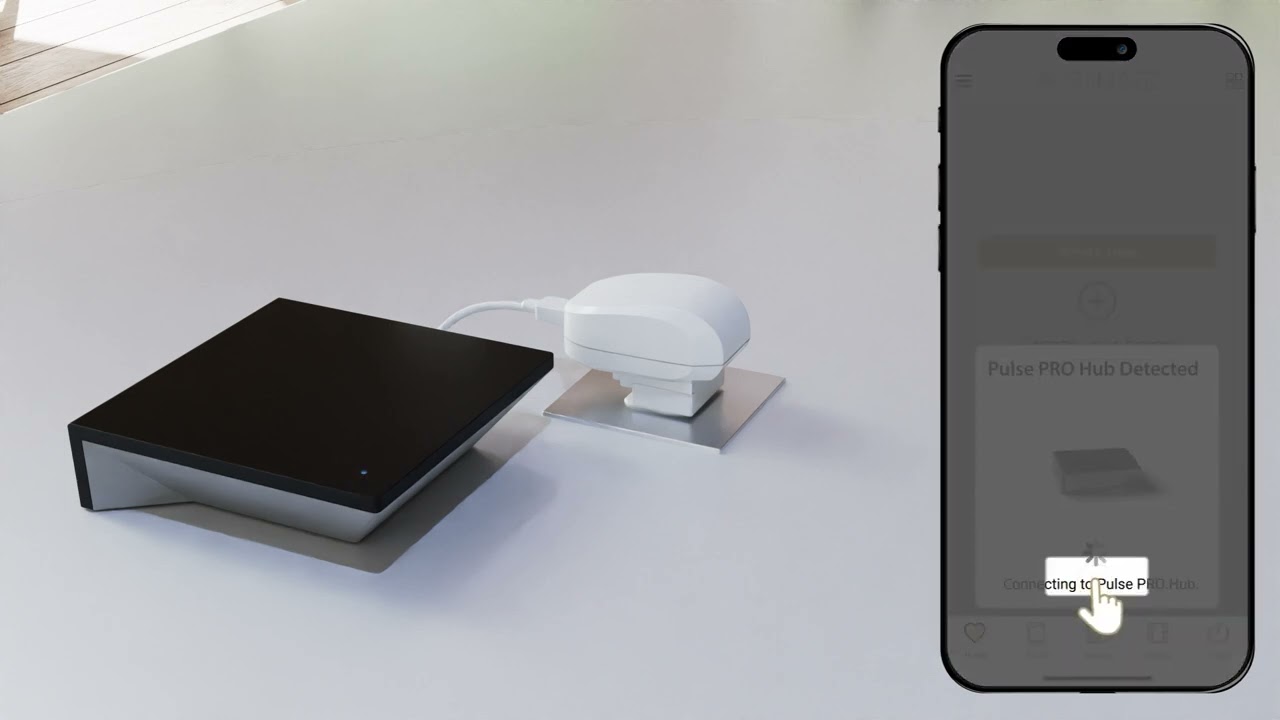
Automate Pulse PRO Wi-Fi Pairing iOS

Automate Pulse PRO | Ethernet Pairing iOS | Instructional Video

Automate Pulse PRO | WIFI Pairing Android | Instructional Video
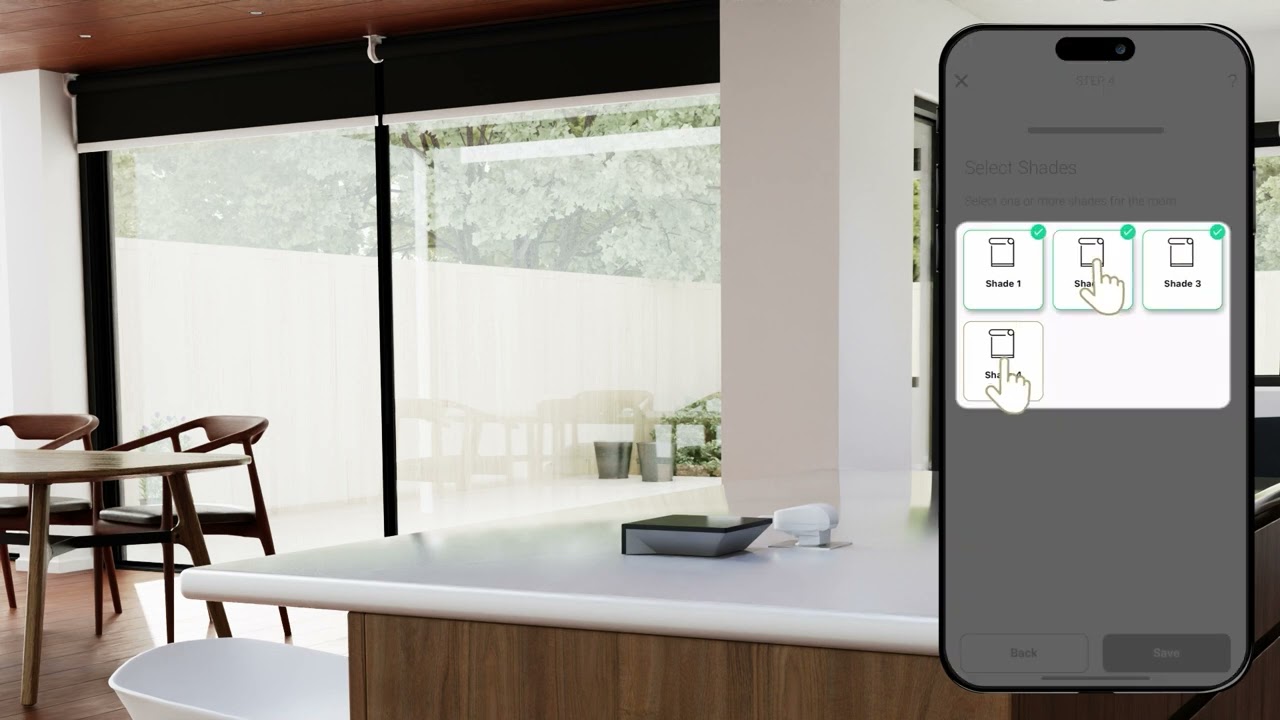
Automate Pulse PRO | Room creation and shade control | Instructional Video
Automate Pulse PRO | Group Shade Control | Instructional Video

Automate | Pulse PRO | Novus House Testing
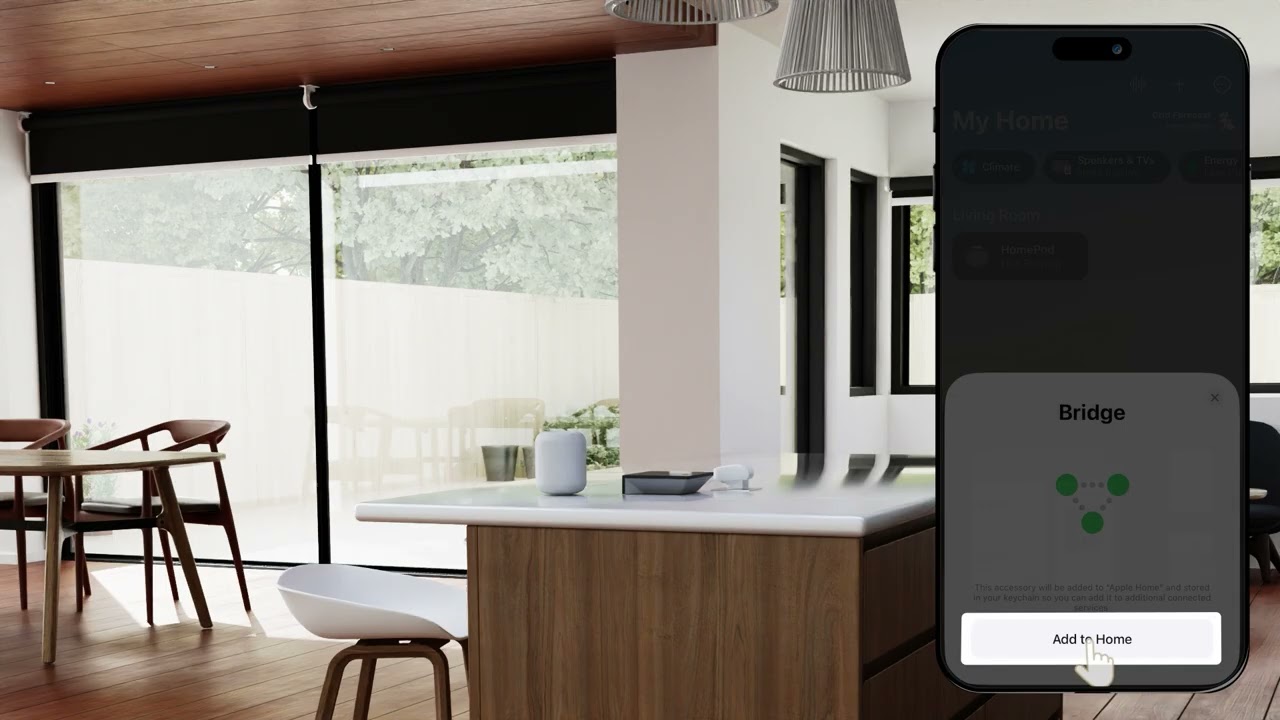
Automate Pulse PRO | Connecting Apple HomeKit using Matter

Automate Pulse PRO | Connecting Amazon Alexa using Matter

Automate Pulse PRO | Connecting Google Home using Matter

Automate Hub Transfer | Instructional Guide
Knowledge Base
RF Signal Strength and Range
User GuideProduct Guides
PULSE HUB ID LOCATION
User GuideTroubleshooting
Pulse PRO: Transfer Hub to New Account
User GuideInstallation
Pulse PRO: Wi‑Fi Requirements and Compatibility
InstallationProduct GuidesUser Guide
Pulse Pro FAQ
User GuideProduct Guides
Pulse PRO: Matter and Smart Home Platforms
User GuideProduct Guides
Pulse PRO: Troubleshooting WPA3 Security and Router Settings
User GuideInstallation
Pulse PRO: Reconnecting When Offline [iPhone and Android]
User GuideProduct Guides
Pulse Hub: Factory Reset
TroubleshootingUser Guide
Pulse PRO: Ethernet Setup [iPhone and Android]
The Automate Pulse PRO allow for easy and seamless control of your motorized shades within the Automate app. This means you can control your individual shades, activate scenes, and set schedules all from the comfort of your phone. Follow the below instructions for pairing the Pulse PRO via Ethernet on an iPhone or Android device.
Product GuidesUser Guide
Pulse PRO: Wi-Fi Setup [iPhone and Android]
The Automate Pulse PRO allows for easy and seamless control of your motorized shades within the Automate Shades app. This means you can control your individual shades, activate scenes, and set schedules all from the comfort of your phone. Follow the below instructions for pairing the Pulse PRO via Wi-Fi on an iPhone or an Android device.
User GuideInstallation
Need help?
Contact technical support for assistance between 8:30am – 5pm AEST.


