
Li-ion Series
Delivering efficient wire-free shade operation with rechargeable power, adjustable speeds, and options for a range of shade sizes and applications.
Video Support

Automate | Programming Assistant | Instructional Video

Automate | Waking and Pairing | Instructional Video

Automate | Adjusting Limits | Instructional Video

Automate | Group Channels using P1 Button | Instructional Video
Automate | Adjusting Motor Speed | Instructional Video

Automate | Adjusting Shade Limits | Instructional Video

Automate | Setting shade limits | Instructional Video

Automate | ARC Programming in five simple steps

Automate | ARC Troubleshooting Programming Issues
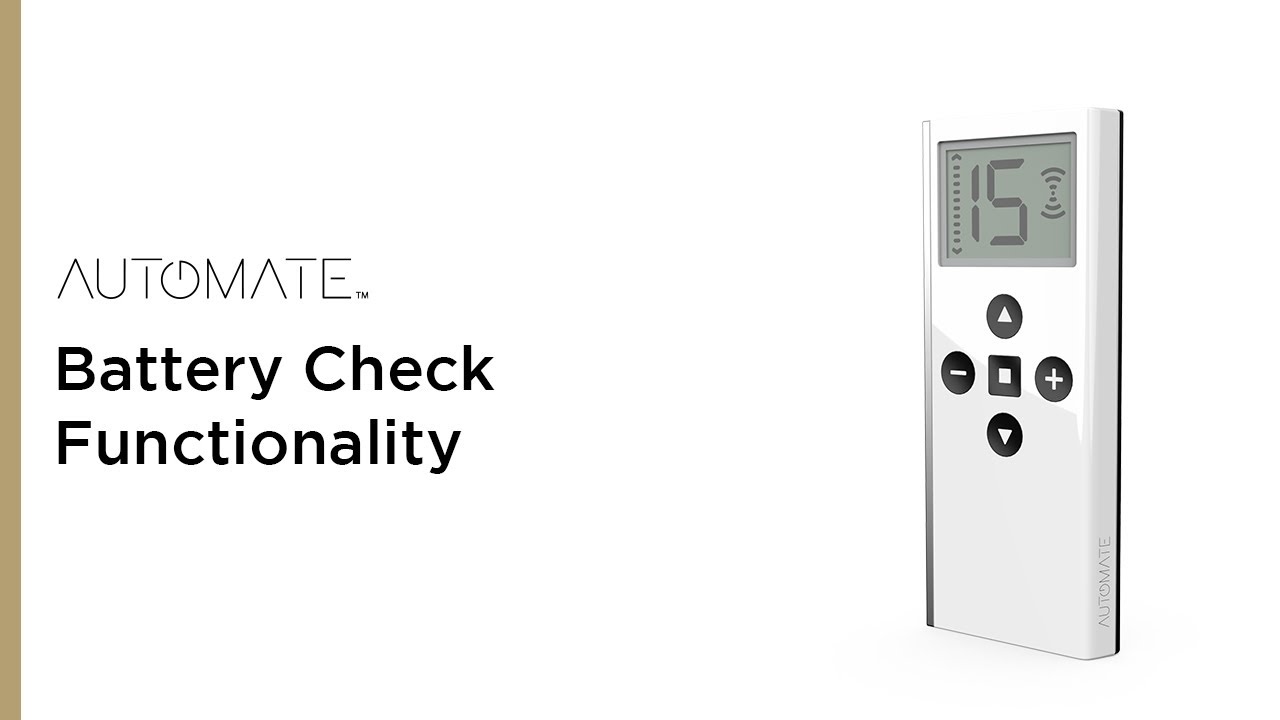
Automate | Battery Check Functionality
Knowledge Base
5V Zero Li-ion Motor | Check Motor Battery Level Status From Remote
Product GuidesTroubleshootingUser GuideProgramming Instructions
What Are the Two Cables at the End of My Motor?
Product GuidesUser Guide
How Do I Know When My Motor Needs to Be Charged?
User GuideProduct Guides
How Long Does It Take My Shades to Charge?
User Guide
How to Factory Reset a Motor
Programming InstructionsTroubleshooting
How to Reverse Shade/Blind Direction
TroubleshootingInstallationUser GuideProgramming Instructions
Battery Motor is Beeping or Stopped Working
User GuideProduct GuidesTroubleshooting
Tilt / Step mode
InstallationProduct GuidesUser GuideProgramming Instructions
How to Speed Up or Slow Down Your Shade
Programming InstructionsUser GuideInstallation
Motor (P1) Button Locations & Functions
The P1 is found on every motor type. It is used for initial pairing and additional programming steps. Below is the location of the button on various motor models.
Product GuidesTroubleshootingProgramming InstructionsInstallation
How to Pair/Un-Pair Motor From a Remote
Pairing or Un-pairing a motor from a remote is the same process.
Programming InstructionsTroubleshooting
Automate - Pocket Programming Guide (Mobile Version)
Basic programming of Automate remotes and motors is simple and easy.
Programming Instructions
How Do I Setup My Shade/Motor?
This article will walk you through pairing your shade with a remote and setting limits for the first time.
User GuideProduct GuidesProgramming Instructions
Need help?
Contact technical support for assistance between 8:30am – 5pm AEST.


